30 Best Affordable Gadgets For Remote Work That Boost Productivity
Remote work has changed how we live and work. Today, your home can be your office, meeting room, or creative studio. But without the right tools, it’s easy to feel less productive. That’s where the right and affordable gadgets make a big difference.
These gadgets are affordable and perfect for staying on track during the workday. Pick the ones that match your needs and enjoy a more focused remote work experience without breaking your budget.
1. Logitech K380 Multi-Device Bluetooth Keyboard
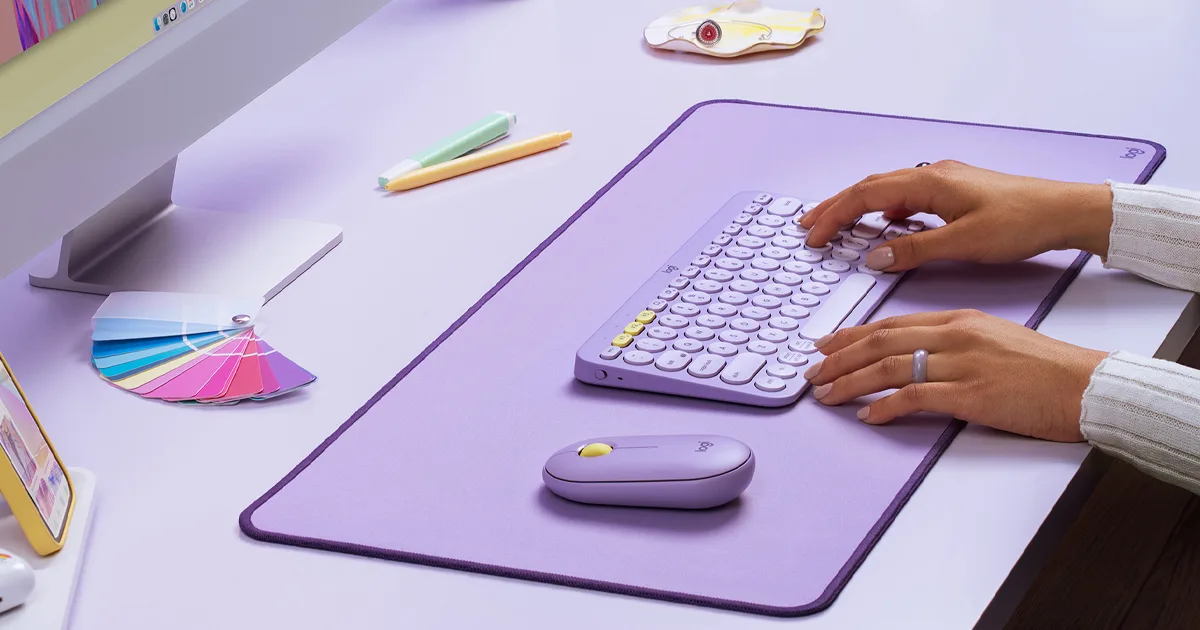
The Logitech K380 is a compact, wireless keyboard designed for multitaskers who switch between devices often. It lets you connect to up to three devices at once your laptop, tablet, and smartphone and toggle between them with a single button. The low-profile keys feel similar to a laptop, and the build quality is surprisingly solid for its price.
Its battery lasts for up to two years, so you won't need to worry about constantly charging it. It’s lightweight and easy to carry, making it perfect for those who work in different rooms or take their gear to cafés or co-working spaces. This keyboard is compatible with Windows, macOS, iOS, Android, and even Chrome OS.
2. Anker PowerConf Bluetooth Speakerphone
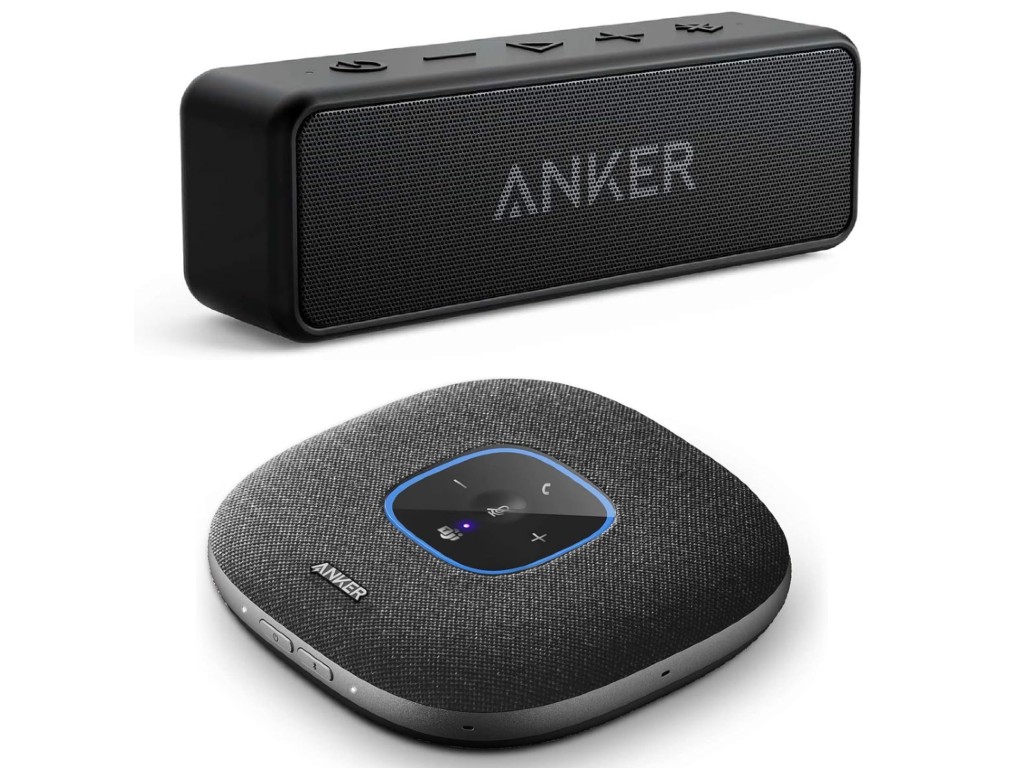
If you attend a lot of Zoom or Teams calls, the Anker PowerConf will instantly upgrade your audio game. It has six built-in microphones that pick up your voice from all directions, ensuring you sound clear without needing to lean in. It also reduces background noise, making it ideal for home environments.
This speakerphone connects easily via Bluetooth or USB-C and works on both laptops and phones. It’s especially handy if you prefer not to wear headphones during long meetings. Plus, the built-in battery offers up to 24 hours of talk time, which is impressive for such a compact device.
3. Logitech C920 HD Pro Webcam
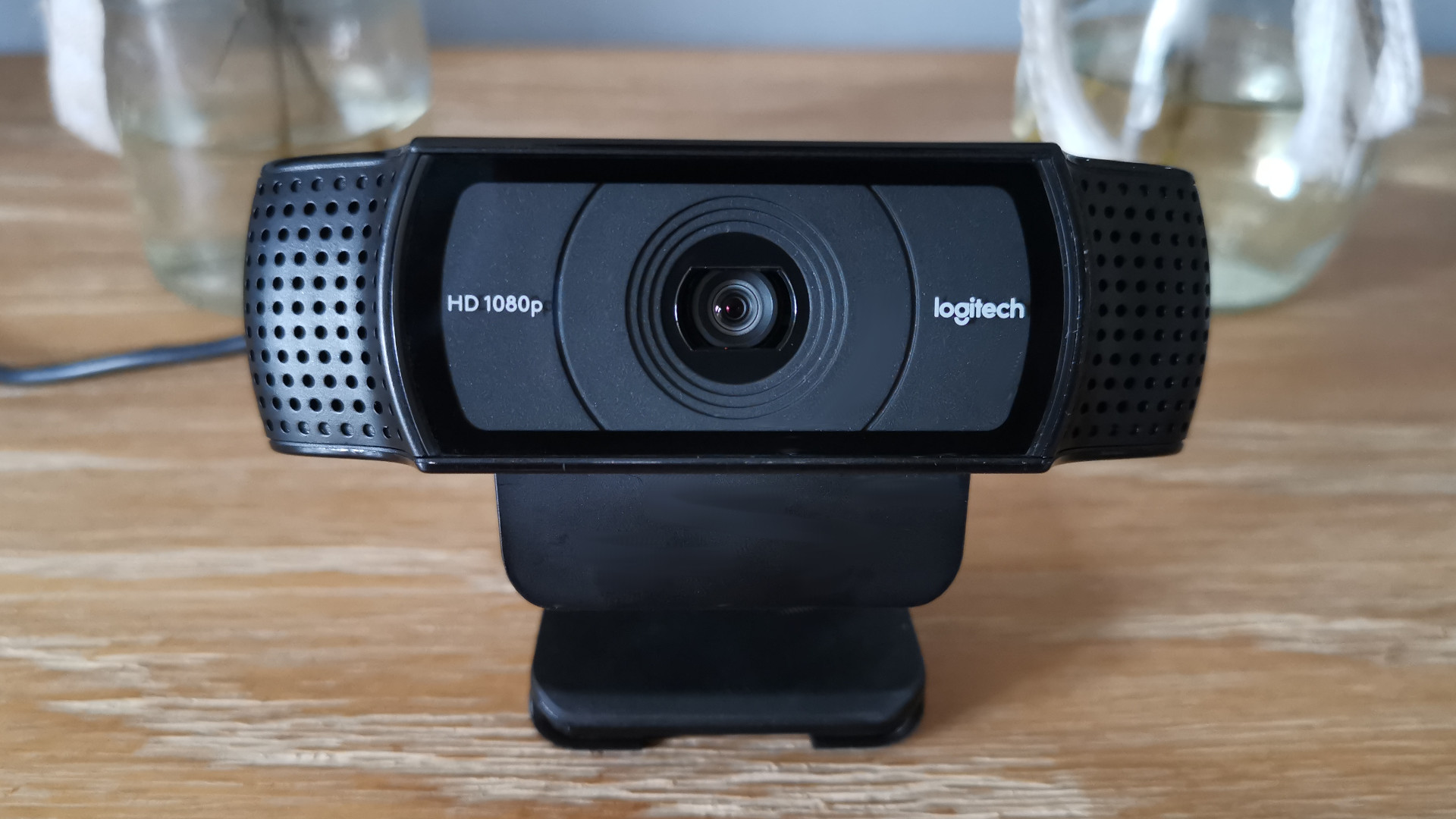
Built-in laptop webcams often fall short when it comes to quality. That’s where the Logitech C920 comes in. It delivers sharp 1080p video with excellent color balance and low-light performance, helping you look more professional during video calls.
It also includes dual stereo microphones that pick up your voice clearly. The plug-and-play setup makes it easy to get started right away just connect it to your USB port, and you're ready. It works well with Zoom, Skype, Google Meet, and most other platforms.
Also See - Where To Find Cheap Webcams For Streaming
4. Twelve South Curve Laptop Stand
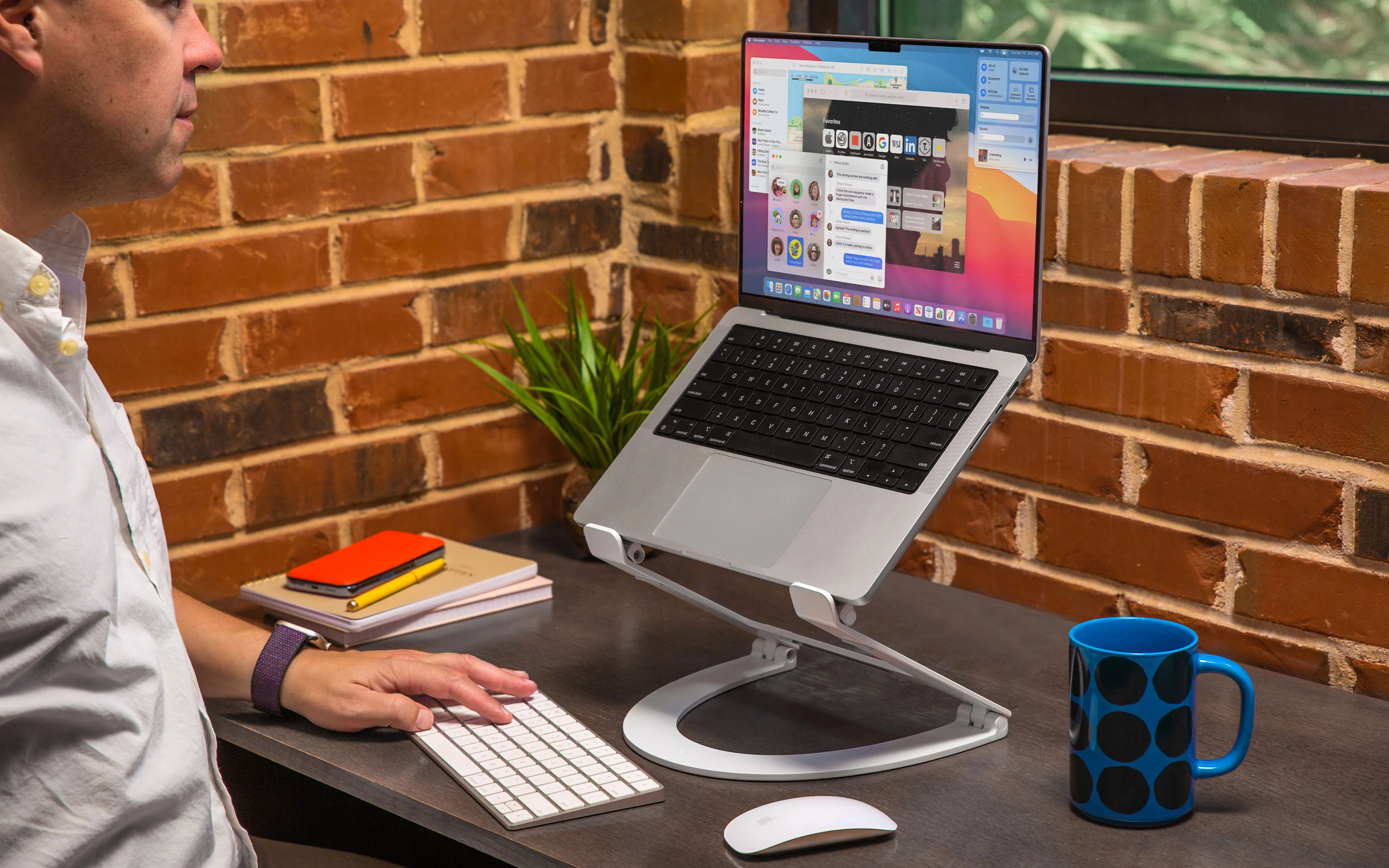
The Twelve South Curve is a sleek, minimalist laptop stand that raises your screen to eye level, reducing neck and shoulder strain. It’s made of strong aluminum and fits most laptops between 11 and 17 inches.
By lifting your laptop off the desk, it also improves airflow and cooling. This makes your device run quieter and more efficiently. Pair it with a Bluetooth keyboard and mouse for a clean, ergonomic desktop setup.
5. TP-Link AC750 WiFi Range Extender
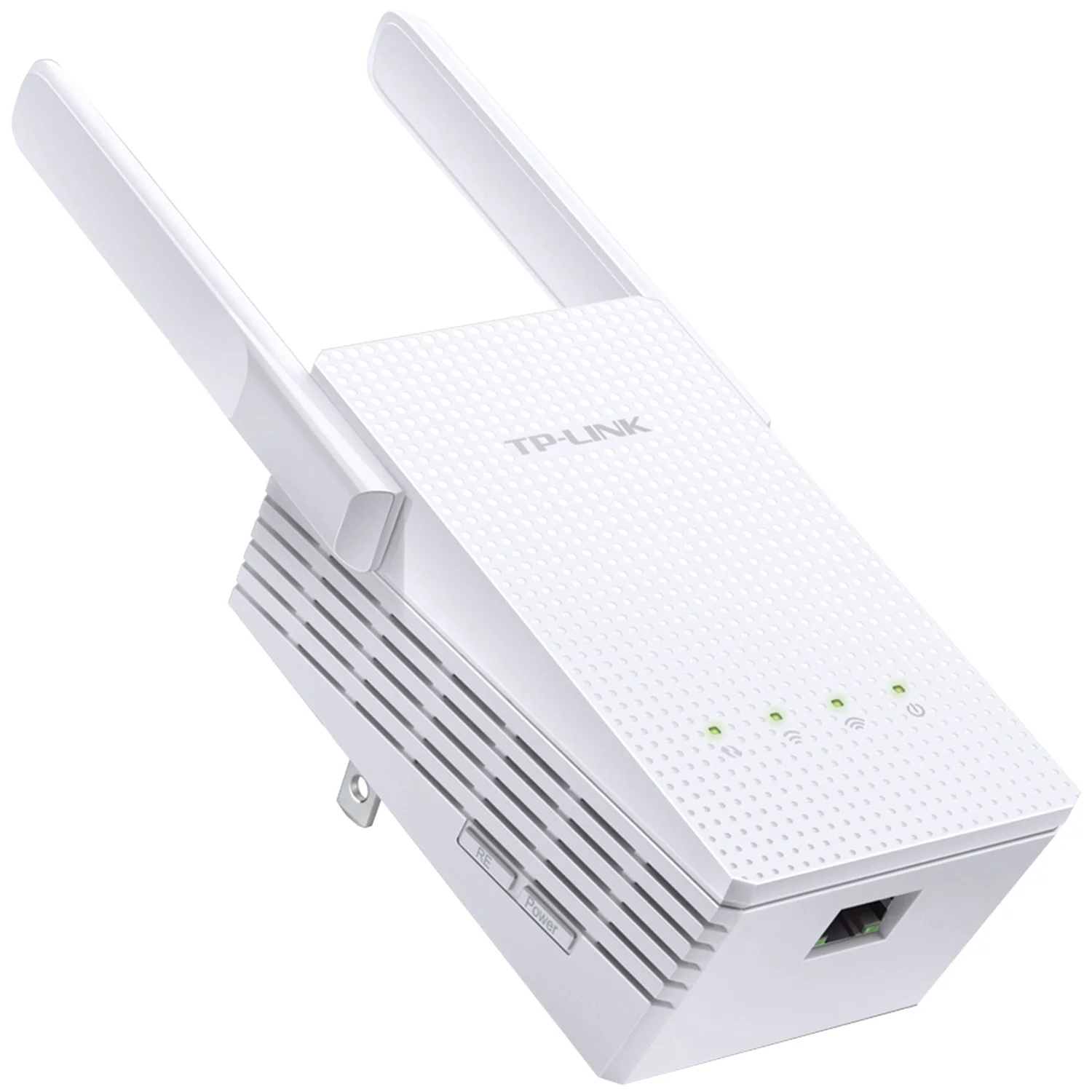
A weak or spotty WiFi connection can ruin remote work productivity. The TP-Link AC750 is an affordable way to boost your signal, especially in rooms far from your main router. It plugs directly into a wall outlet and connects easily to your home network.
This compact device supports dual-band connections and provides up to 750Mbps speed, which is more than enough for video calls, file transfers, and streaming. The smart signal indicator helps you find the best spot to plug it in for optimal performance.
6. Jabra Elite 3 Wireless Earbuds
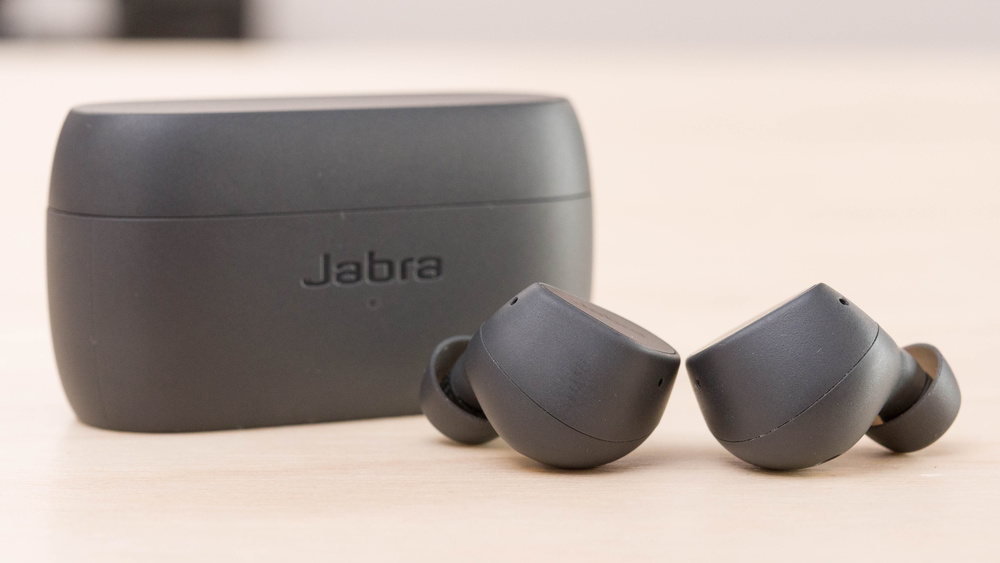
The Jabra Elite 3 offers great audio quality and passive noise isolation at an affordable price. These wireless earbuds are perfect for taking work calls or listening to music during focus hours. The built-in microphones provide clear voice pickup, and the sound quality is excellent for the price.
Battery life lasts up to 7 hours per charge, with an additional 21 hours from the case. They’re also lightweight and comfortable for long wear. With Bluetooth 5.2, pairing is quick and stable, making them a great choice for mobile professionals.
7. Lamicall Adjustable Phone Stand
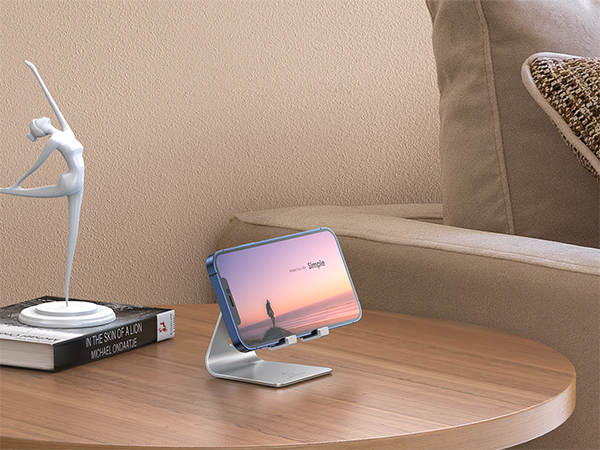
Sometimes, you need your phone upright for quick glances during meetings or multitasking. The Lamicall phone stand holds your smartphone at the perfect angle on your desk. It’s adjustable and sturdy, with non-slip padding to keep your device in place.
Whether you’re using your phone for Zoom, reference material, or video playback, this stand makes it easier to view without picking it up. It fits most devices, including iPhones, Android phones, and small tablets.
8. Amazon Basics USB Hub (4-Port)
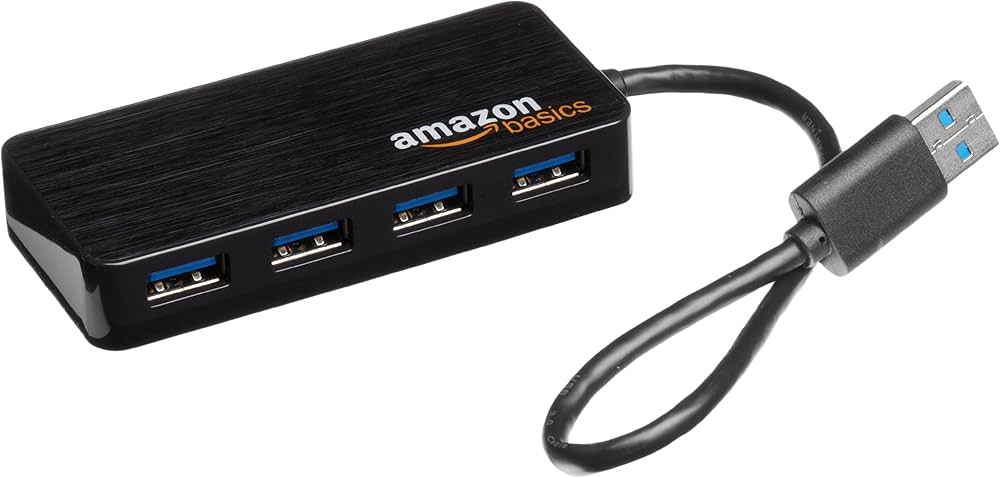
Running out of USB ports is a common problem with laptops. The Amazon Basics 4-Port USB Hub solves that by instantly giving you more space to plug in your webcam, mouse, keyboard, or external storage. It’s plug-and-play, so no software installation is needed.
This compact gadget is lightweight and easy to carry in your bag. It’s a great option for remote workers who need to connect multiple devices without constantly swapping cables.
9. TaoTronics LED Desk Lamp With USB Port
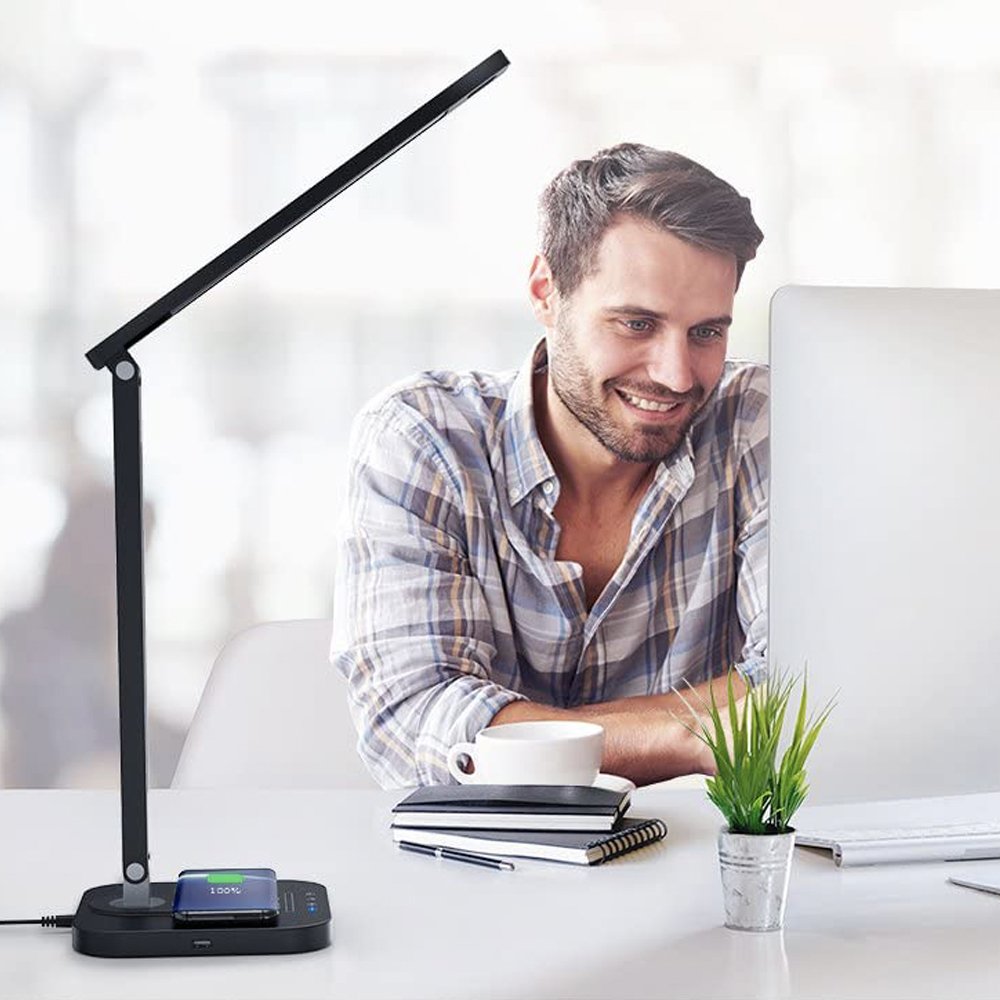
Proper lighting helps reduce eye strain and keeps your workspace comfortable. The TaoTronics LED desk lamp offers adjustable brightness and color temperatures, so you can fine-tune it for work, reading, or relaxing.
It also includes a built-in USB charging port, making it handy for charging phones or other gadgets. Its minimalist design takes up little space, and the touch controls are responsive and easy to use.
10. Logitech M720 Triathlon Wireless Mouse
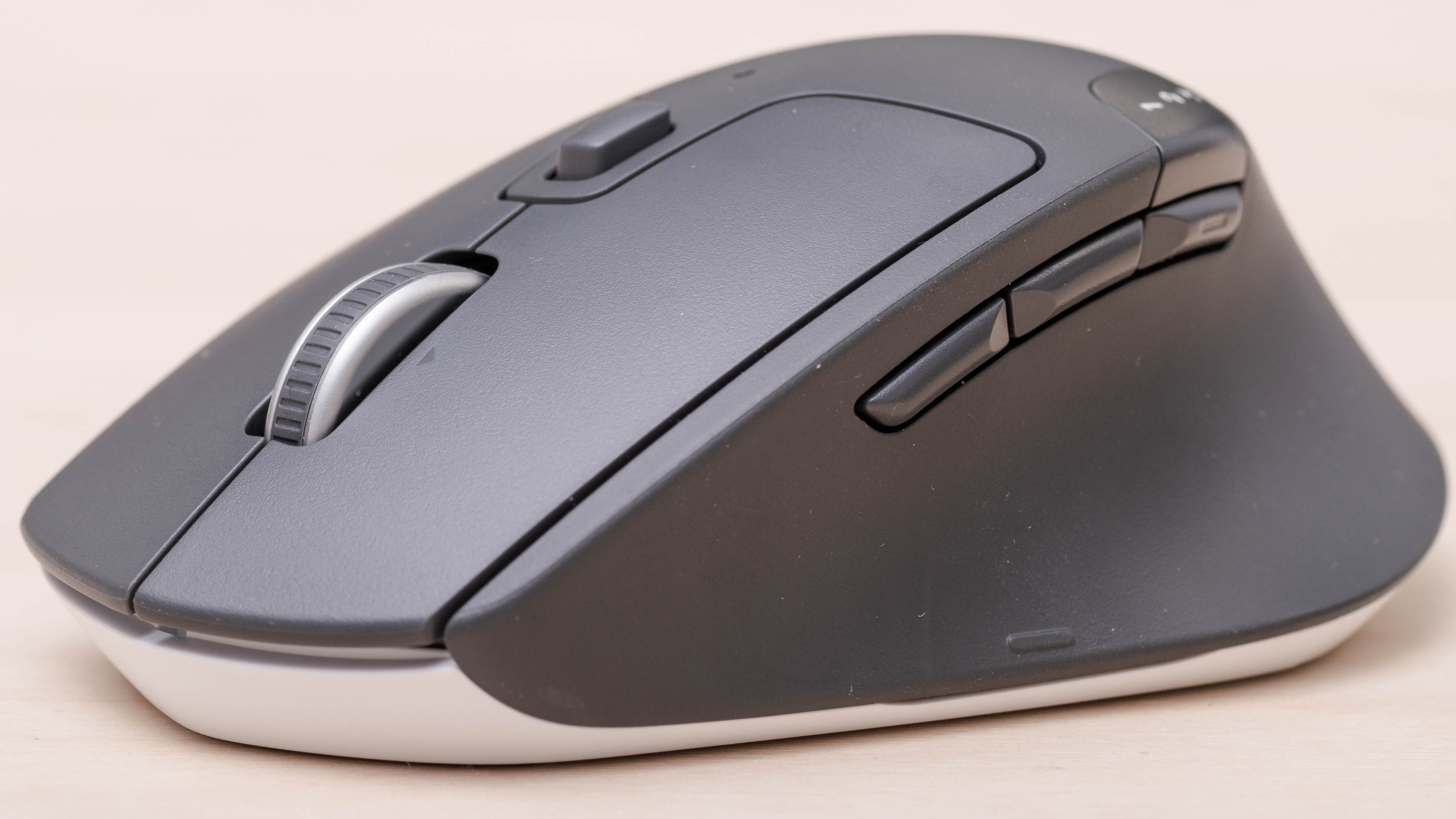
The Logitech M720 is a versatile, comfortable mouse that works across multiple devices. With one click, you can switch between three different computers or tablets. It’s great for multitaskers and those who work across systems.
It has a long battery life of up to two years, thanks to its efficient design. The ergonomic shape fits comfortably in your hand, and the precision tracking makes it excellent for both casual and professional use.
11. Blue Snowball ICE USB Microphone
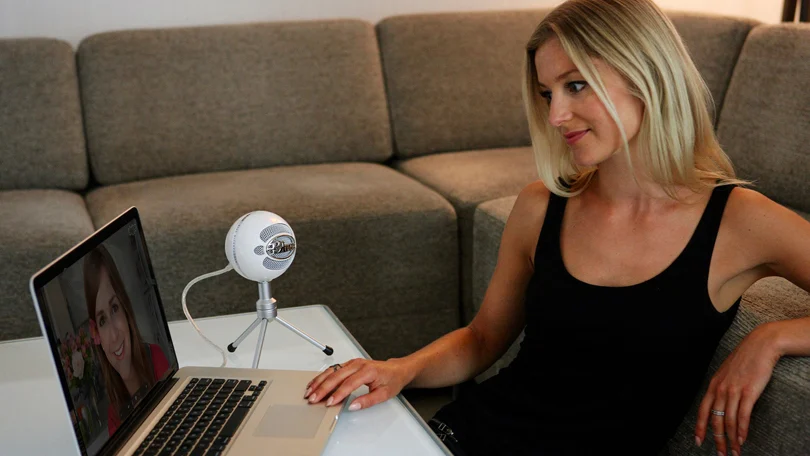
If you regularly record videos, podcast, or attend important meetings, a quality microphone makes a big difference. The Blue Snowball iCE provides professional-level audio with plug-and-play simplicity. It captures clear, natural sound and reduces background noise.
Having reliable audio equipment like this supports flexible career paths, enabling you to create content or participate in meetings from anywhere with confidence. The sleek design looks great on your desk, and it comes with a small adjustable tripod, so you can set it up at the right height easily.
12. HUANUO Monitor Arm Mount
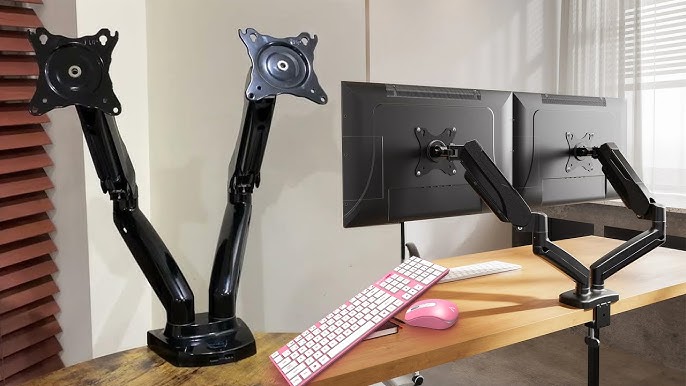
A monitor arm helps create a cleaner and more ergonomic desk setup. The HUANUO mount lets you raise, tilt, rotate, or swivel your monitor exactly how you like it. It helps reduce neck pain and gives you more space by lifting your screen off the desk. This improved comfort and organization play a key role in maintaining a healthy work-life balance for remote workers, making it easier to focus during work hours and relax afterward. Installation is simple with its clamp system, and it fits most monitors from 17 to 32 inches. It also supports cable management, keeping your workspace neat and organized.
13. Power Strip With USB Ports
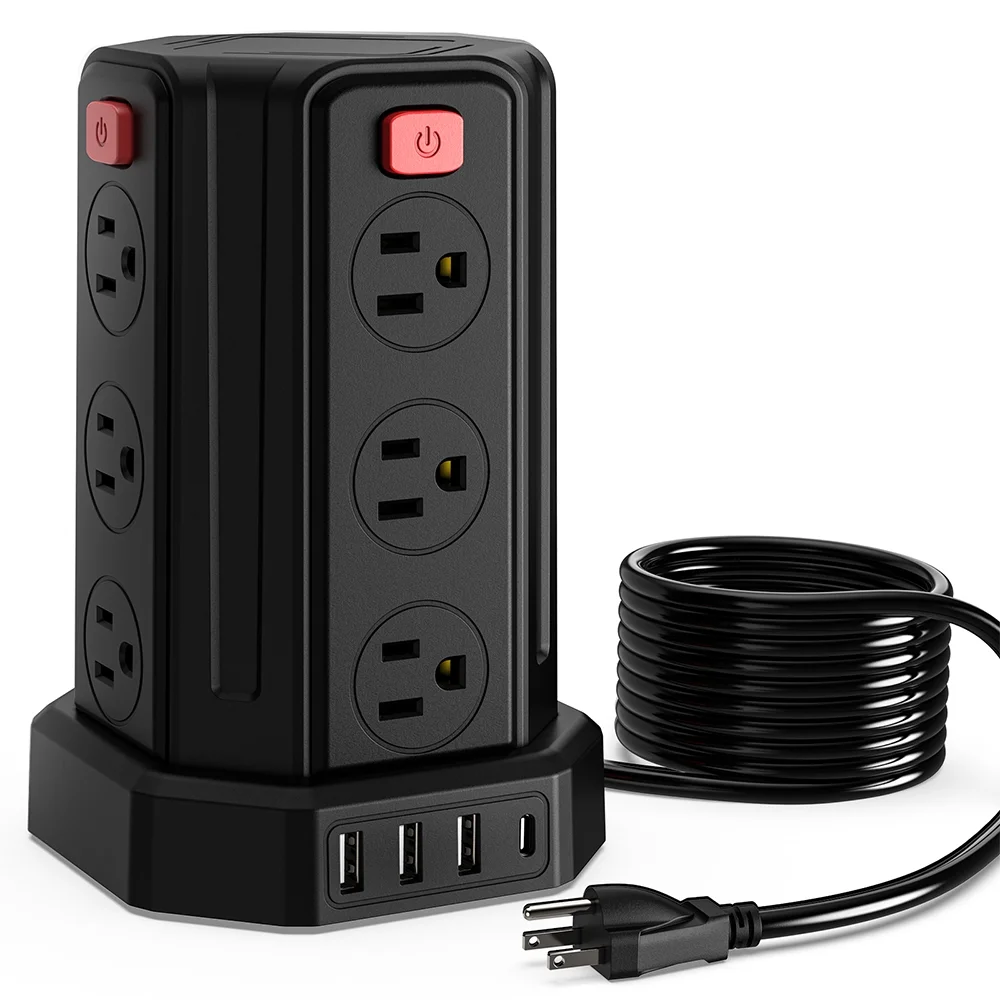
A power strip with USB ports is one of those small but mighty upgrades every remote worker should consider. It allows you to plug in multiple devices laptop, monitor, printer, desk lamp all at once, while also offering built-in USB ports to charge your phone, tablet, or wireless earbuds.
This eliminates the need for bulky chargers and makes your desk setup cleaner and more organized. Most power strips now include surge protection, which is essential for keeping your electronics safe during power spikes.
14. Cable Organizers
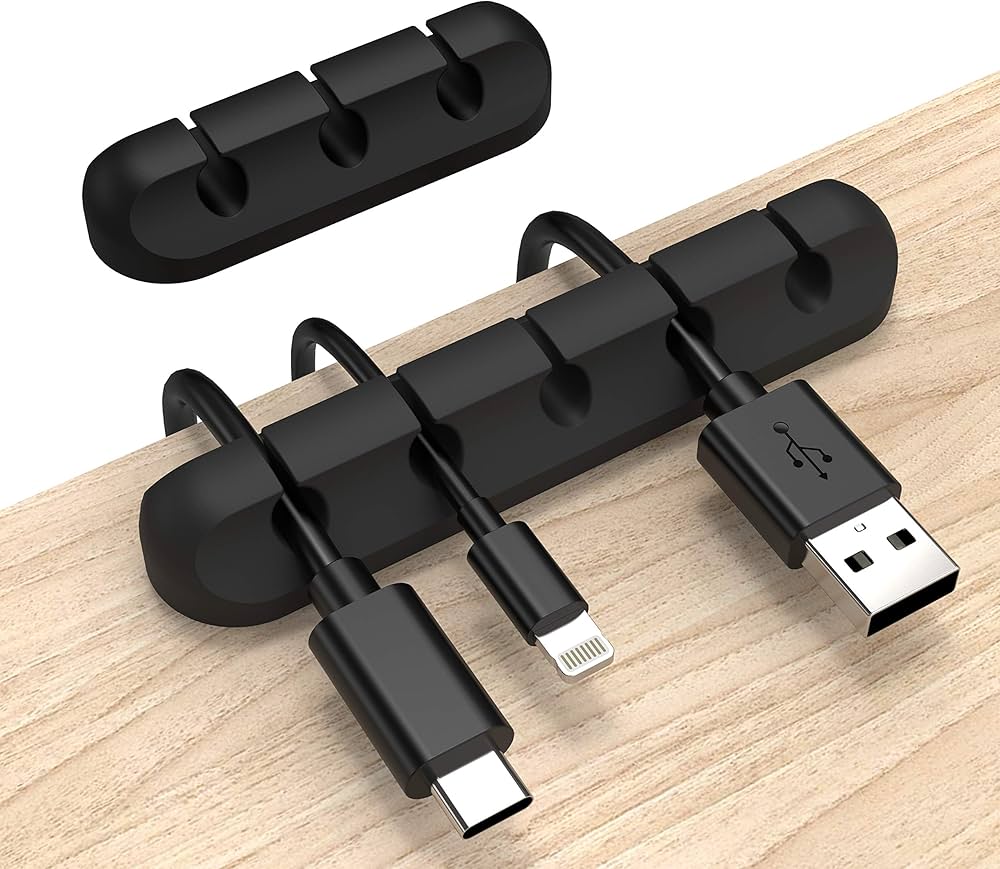
Managing cables is often an overlooked aspect of a smooth remote work setup. Cable organizers help keep your workspace neat by preventing tangled cords and clutter. These tools come in various forms from simple clips and ties to more advanced cable management boxes. They make it easier to find the right cable quickly and reduce the stress caused by a messy desk.
A well-organized space can improve focus and reduce distractions, making cable organizers a small but powerful productivity booster. Affordable cable organizers are widely available, offering simple yet effective solutions for both desktop and floor cable management. They can protect your cables from damage by preventing unnecessary bending or twisting.
15. Chairs
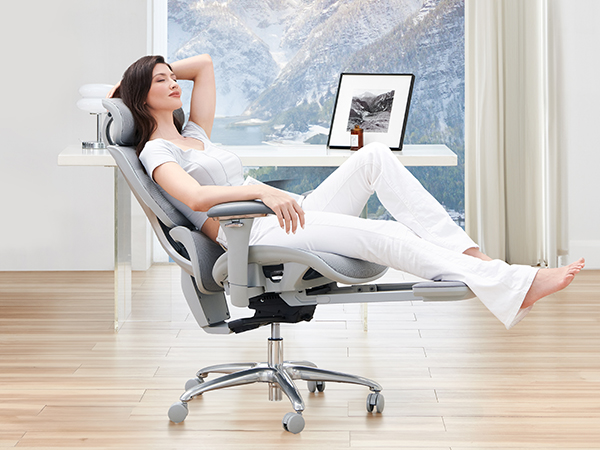
A good chair is one of the most important gadgets for anyone working remotely. Comfortable seating supports better posture, reduces back pain, and helps you stay focused during long work hours. While ergonomic chairs can be expensive, there are affordable options that provide solid lumbar support and adjustable features. Choosing the right chair can prevent discomfort and promote healthier work habits, boosting your productivity and well-being.
When picking a chair on a budget, look for adjustable height, backrest angle, and good cushioning. Even simple ergonomic chairs can significantly improve comfort compared to kitchen chairs or sofas. Investing in a quality chair doesn’t just protect your physical health it also creates a mental distinction between “work time” and relaxation, which helps maintain better work-life balance.
16. Fully Jarvis Bamboo Standing Desk
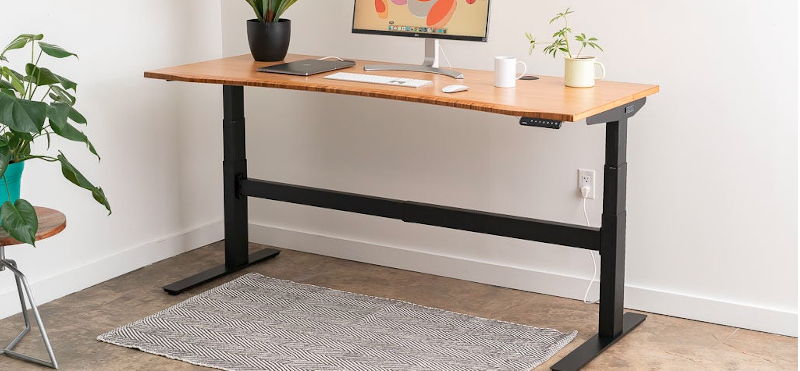
A standing desk can transform your remote work routine, and the Fully Jarvis Bamboo Standing Desk stands out as an affordable, eco-friendly choice. Made with sustainable bamboo, it offers a natural, warm look that fits well in any home office. The desk height adjusts easily, letting you switch between sitting and standing positions.
This flexibility helps reduce the negative effects of prolonged sitting, like back pain and fatigue, while boosting energy and focus during the workday. Besides its sturdy build and smooth height adjustment, the Fully Jarvis desk is designed for quiet operation and stability. It supports multiple monitors, laptops, and other work essentials without wobbling
17. Mobile Hotspot
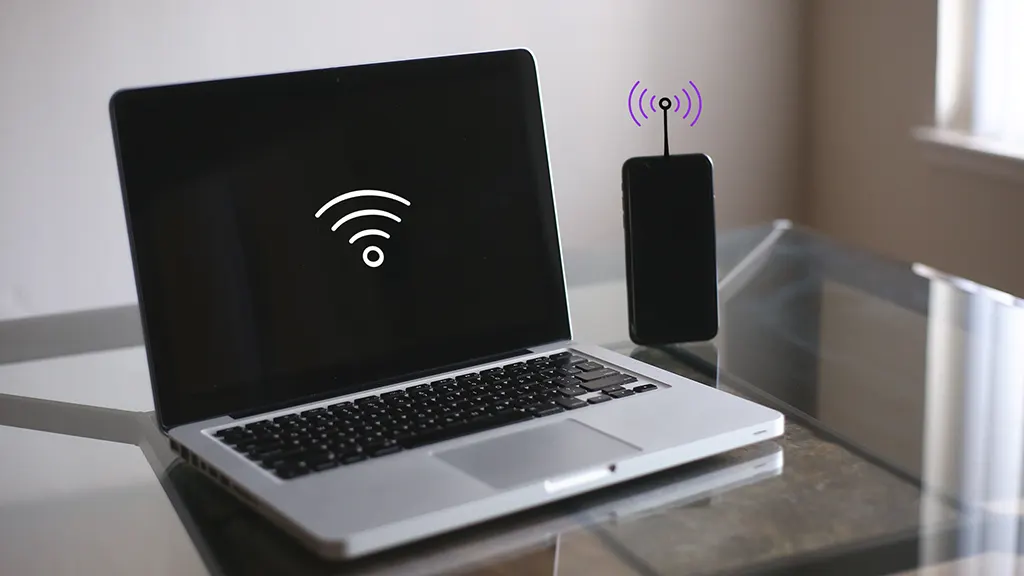
Reliable internet is crucial for remote work, but Wi-Fi coverage isn’t always perfect. A mobile hotspot provides a portable internet connection by sharing cellular data with your devices. This gadget is a lifesaver when you’re traveling, experiencing poor Wi-Fi at home, or working from places without wired internet. It ensures you stay connected to video calls, cloud tools, and emails wherever you go.
Affordable mobile hotspots are compact and easy to set up. They work with most cellular networks and often include security features to keep your connection safe. Instead of relying on public Wi-Fi or unstable connections, a personal hotspot offers consistent speeds and privacy. For remote workers who need flexibility and dependable internet, a mobile hotspot is a smart, budget-friendly investment.
18. Noise Monitoring Gadget
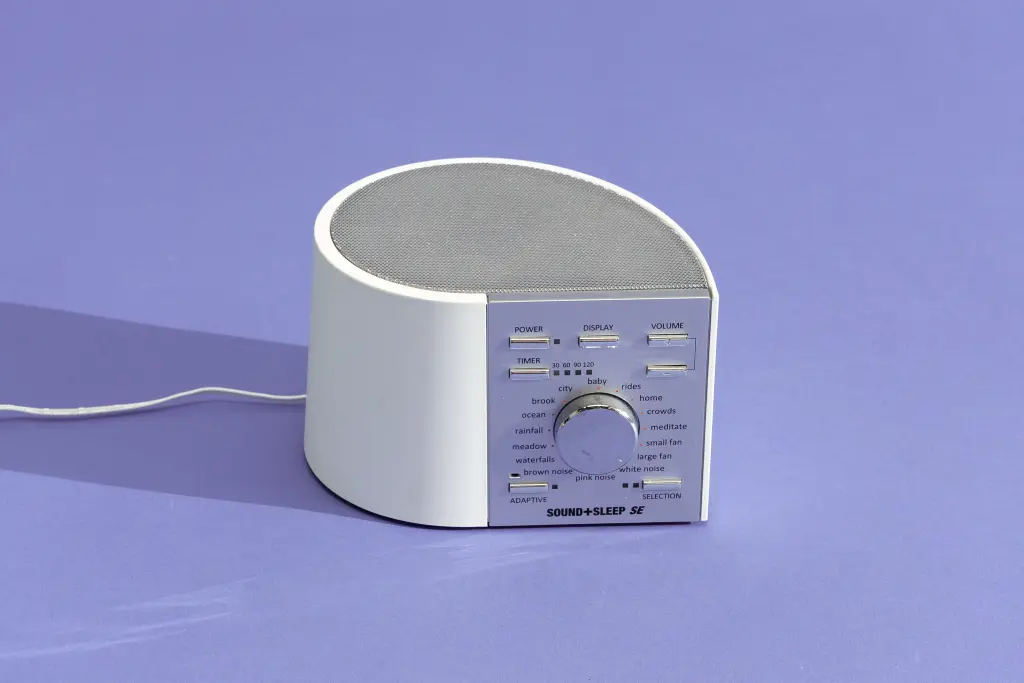
Noise can be a silent productivity killer, especially when working from home or in shared spaces. Noise monitoring gadgets help remote workers keep track of sound levels in their environment. These compact devices measure decibel levels in real-time and alert you when the noise crosses a set limit. They're especially helpful for people who need a quiet atmosphere to concentrate such as writers, designers, developers, or anyone doing deep focus work.
Some noise monitors even connect to apps or display visual alerts, making it easier to identify when your workspace is getting too loud. Parents working from home can use these gadgets to ensure kids' playtime doesn't interrupt meetings. For those sharing a space, they help in setting boundaries and creating a more productive environment. At an affordable price, noise monitoring gadgets offer peace of mind and a quieter, more controlled work zone.
19. USB-C Hub Or Docking Station
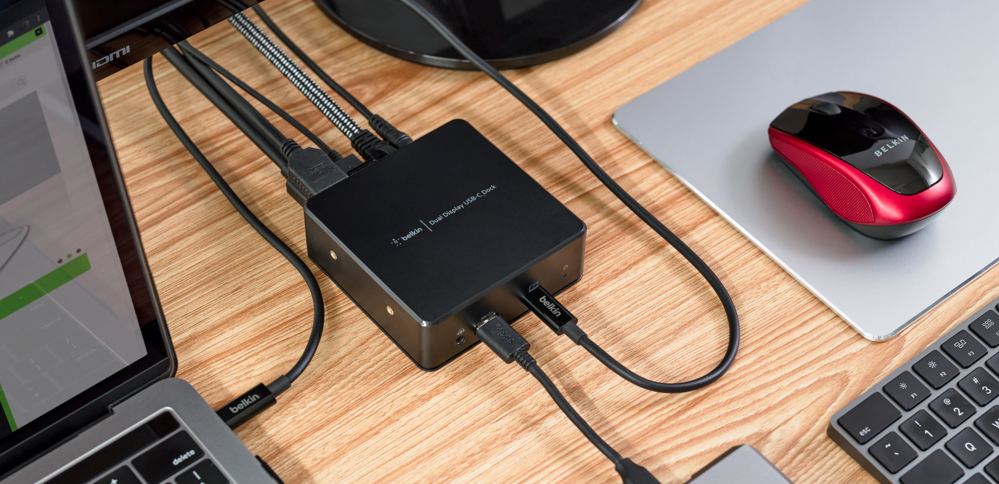
Many modern laptops have limited ports, which can be a challenge when connecting multiple devices. A USB-C hub or docking station solves this by expanding your laptop’s capabilities. These gadgets typically add HDMI, Ethernet, SD card slots, and multiple USB ports everything a remote worker might need.
Hubs from brands like Anker or Aukey are compact and budget-friendly. They’re plug-and-play, meaning you just connect them to your laptop and you're good to go. Docking stations are slightly more expensive but offer more connectivity options and power delivery. Either way, this gadget keeps your devices organized and your workflow uninterrupted.
20. Ring Light
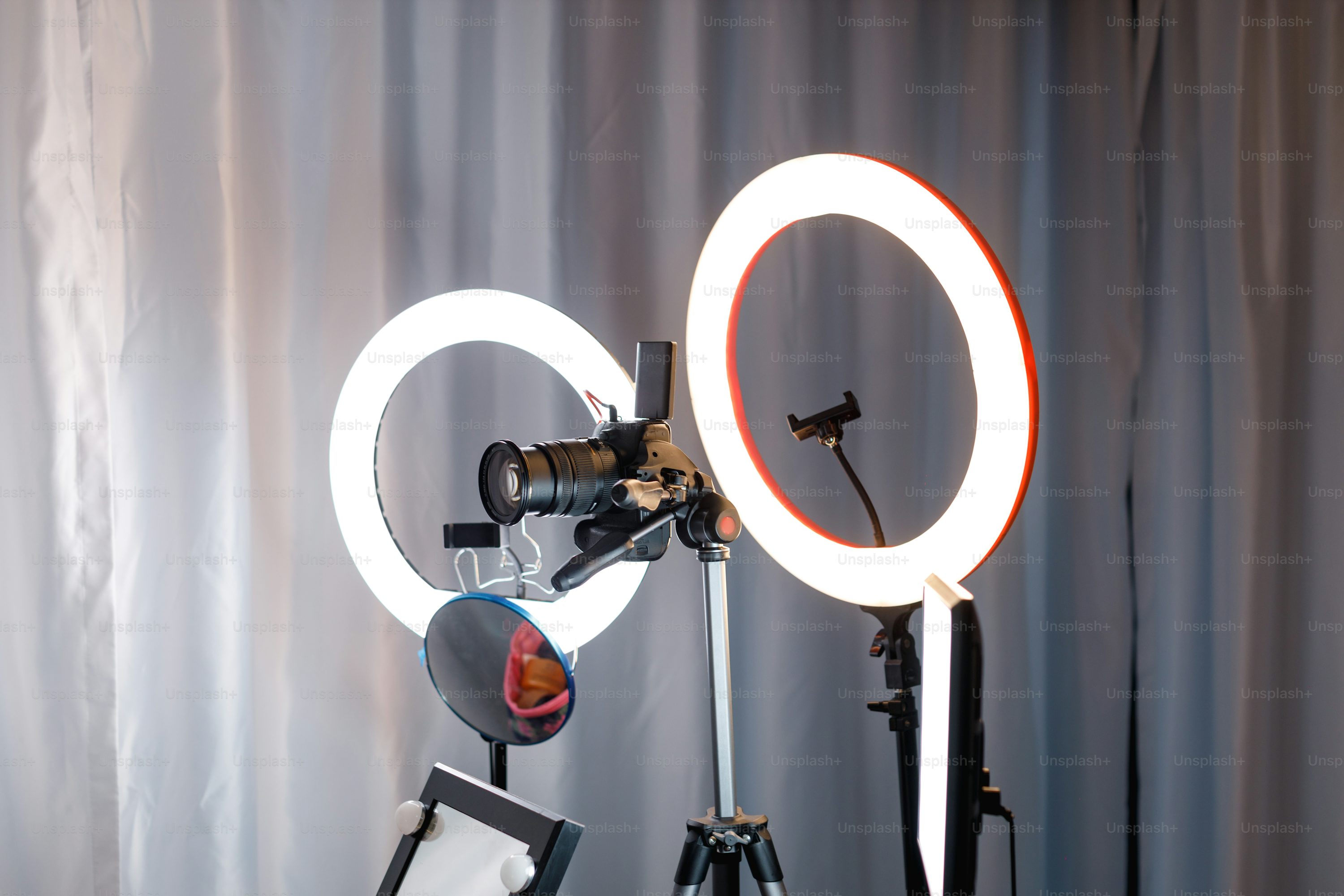
A ring light can dramatically improve how you appear on video calls, especially if your workspace has poor lighting. It provides even, diffused light that removes harsh shadows and enhances your facial features. Most models are compact, adjustable, and include brightness and color settings to match the room’s natural light.
This gadget is especially useful for content creators, team leaders, or anyone who presents frequently on camera. Affordable options like the Neewer 10” or UBeesize Ring Light come with phone holders and tripods. It’s a small investment that can help you look more professional, confident, and clear during every video interaction.
21. Foldable Bluetooth Keyboard
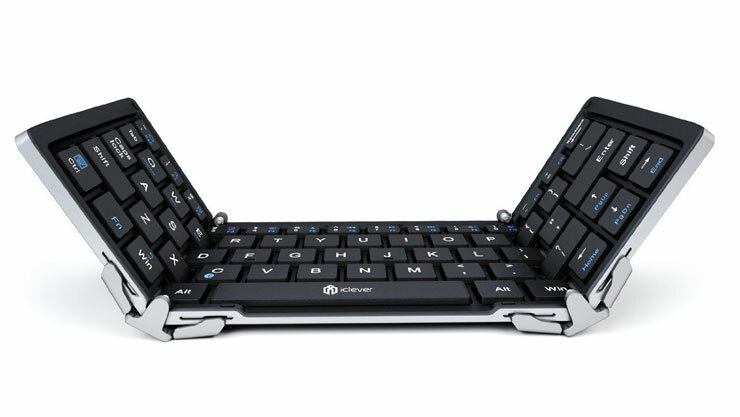
A foldable Bluetooth keyboard is perfect for digital nomads or remote workers who often travel. It folds up to fit in your bag or even your pocket, yet unfolds into a full-sized keyboard. These gadgets work with tablets, smartphones, and even laptops, giving you flexibility without sacrificing typing comfort.
Despite being compact, most foldable keyboards offer solid build quality and responsive keys. Brands like iClever and Samsers make affordable versions with multi-device pairing, rechargeable batteries, and quiet typing. It’s a great backup device too just in case your primary keyboard fails or you need to type on the go.
22. External Monitor
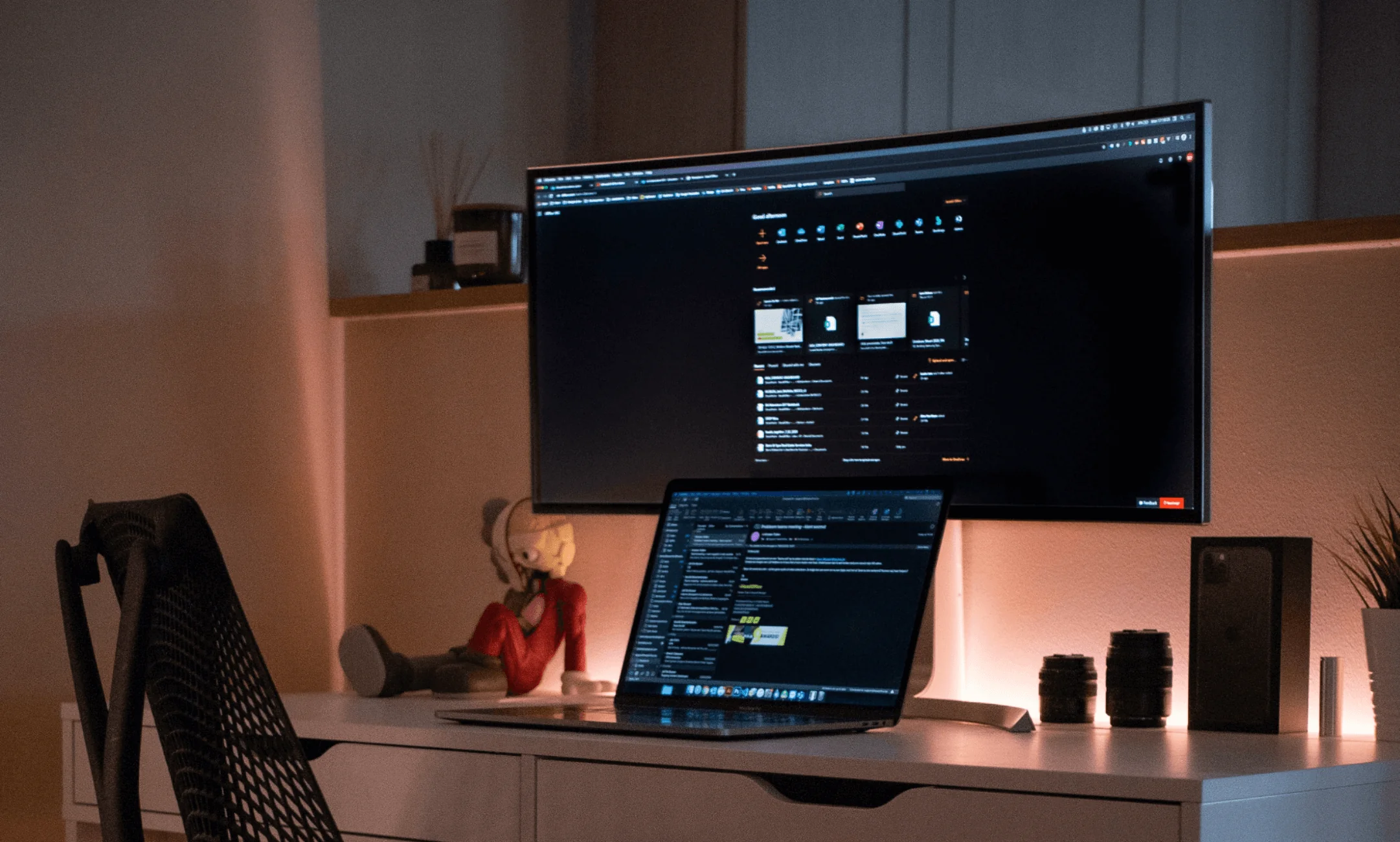
Using a second screen can make a huge difference in productivity, especially if your work involves spreadsheets, design, or multitasking. An external monitor gives you more screen real estate, so you can view multiple windows side-by-side and reduce task switching. It’s also easier on the eyes than staring at a small laptop screen all day.
Affordable monitors from brands like Dell, ASUS, or HP offer full HD resolution and range in size from 21 to 27 inches. If space is limited, consider a portable monitor that connects via USB-C or HDMI. These are lightweight and easy to carry, making them perfect for small home offices or working remotely from different locations.
23. External Drives
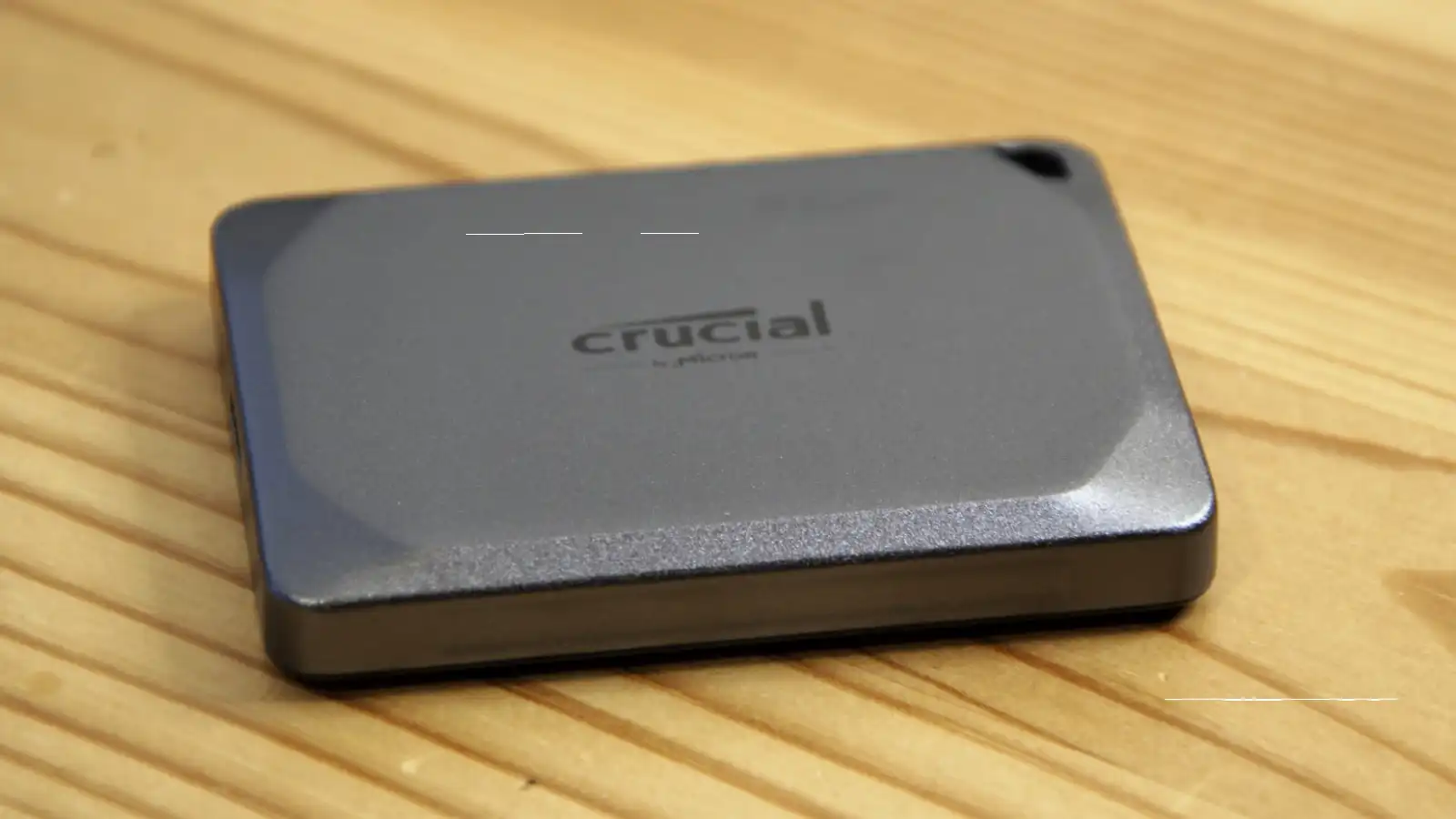
External drives are essential tools for remote workers who handle large files or need extra storage beyond their computer’s capacity. These portable devices allow you to store documents, backups, photos, and videos safely without relying solely on cloud storage or your computer’s internal memory. Affordable external drives come in both traditional hard disk drives (HDDs) and faster solid-state drives (SSDs), offering options to fit different budgets and speed needs.
Using an external drive helps improve your workflow by freeing up space on your main device, which can boost performance. Plus, they provide a reliable backup solution, protecting your important data from accidental loss or hardware failure. Many models are compact and plug directly into your laptop via USB, making them highly convenient for remote work setups where flexibility and data security matter.
24. Screen Privacy Filter

A screen privacy filter prevents people nearby from seeing what’s on your screen, which is useful if you work in public spaces or shared environments. It works by narrowing the viewing angle so only the person directly in front of the screen can see the content clearly. This adds a layer of security for sensitive information or private communications.
Filters from 3M or Vintez are easy to install and remove, and they don’t interfere with screen brightness or touch functionality. For remote workers who travel often or work from cafés and libraries, it’s a smart way to keep your data safe while staying productive on the go.
25. Smart Assistant (Google Nest Mini Or Amazon Echo Dot)
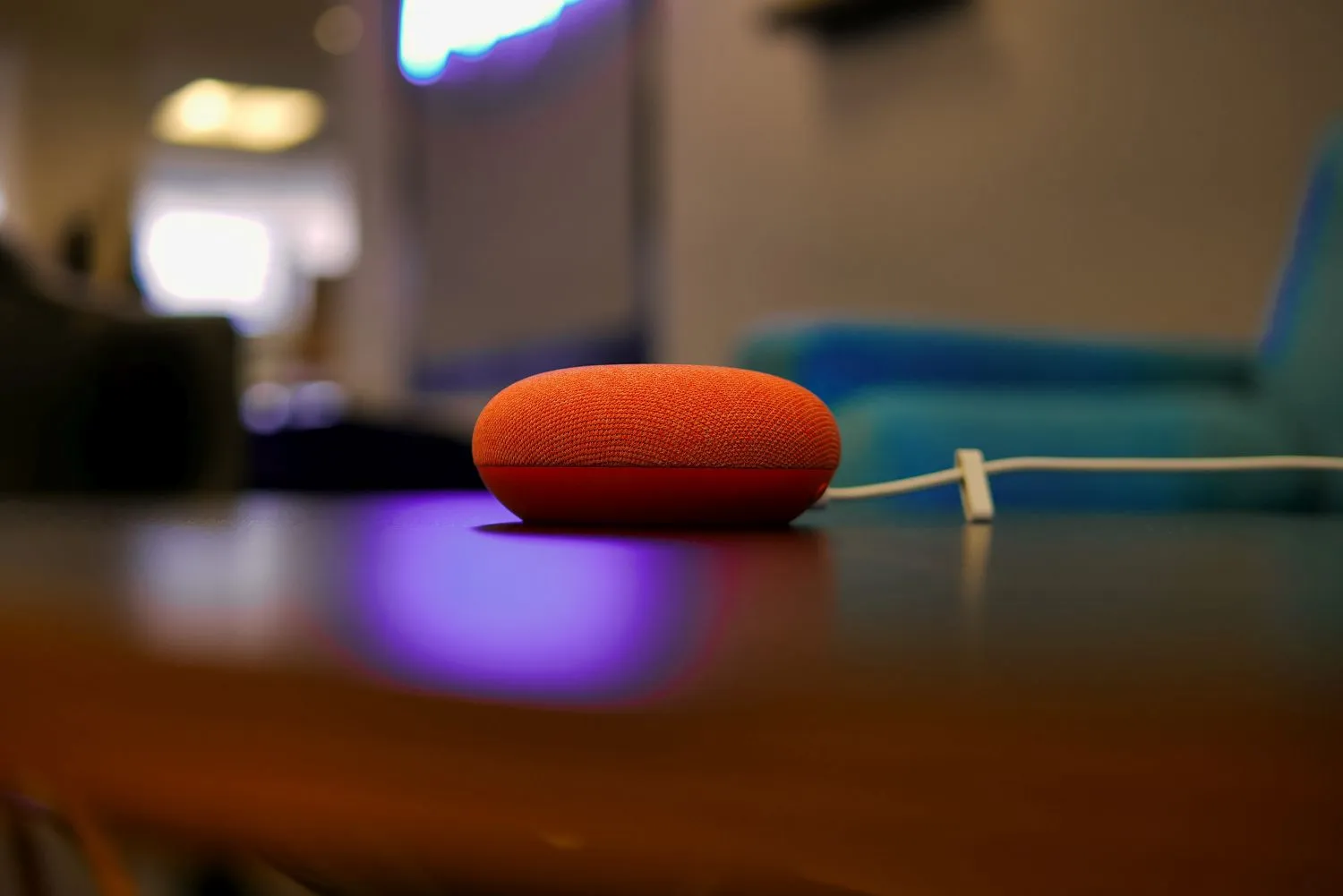
A smart assistant like the Google Nest Mini or Amazon Echo Dot can help streamline your workday. With simple voice commands, you can schedule meetings, set reminders, check the weather, or play focus music. It’s like having a personal assistant that responds instantly and integrates with your calendar and apps.
These devices are surprisingly affordable and often go on sale for under $30. They’re small, unobtrusive, and can also control smart home gadgets like lights and thermostats. If you’re building a productive home office, a smart assistant adds convenience, saves time, and makes multitasking much easier.
26. Ease Eye-Strain - BenQ ScreenBar
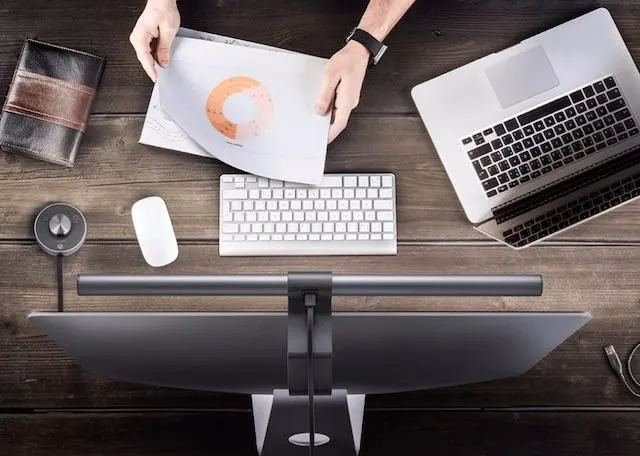
Eye strainis a common problem for remote workers who spend hours staring at screens, especially in poorly lit rooms. The BenQ ScreenBar is a sleek, affordable gadget designed to reduce eye fatigue without cluttering your desk. It clips easily onto the top of your monitor and shines a soft, adjustable light downward illuminating your workspace without causing glare on the screen.
This helps balance brightness between your monitor and the surrounding area, which eases eye tension. Unlike traditional desk lamps, the BenQ ScreenBar saves space and adapts to ambient light in real-time, automatically adjusting its brightness. It’s powered through USB, so you don’t even need an extra outlet.
27. Mouse Pad
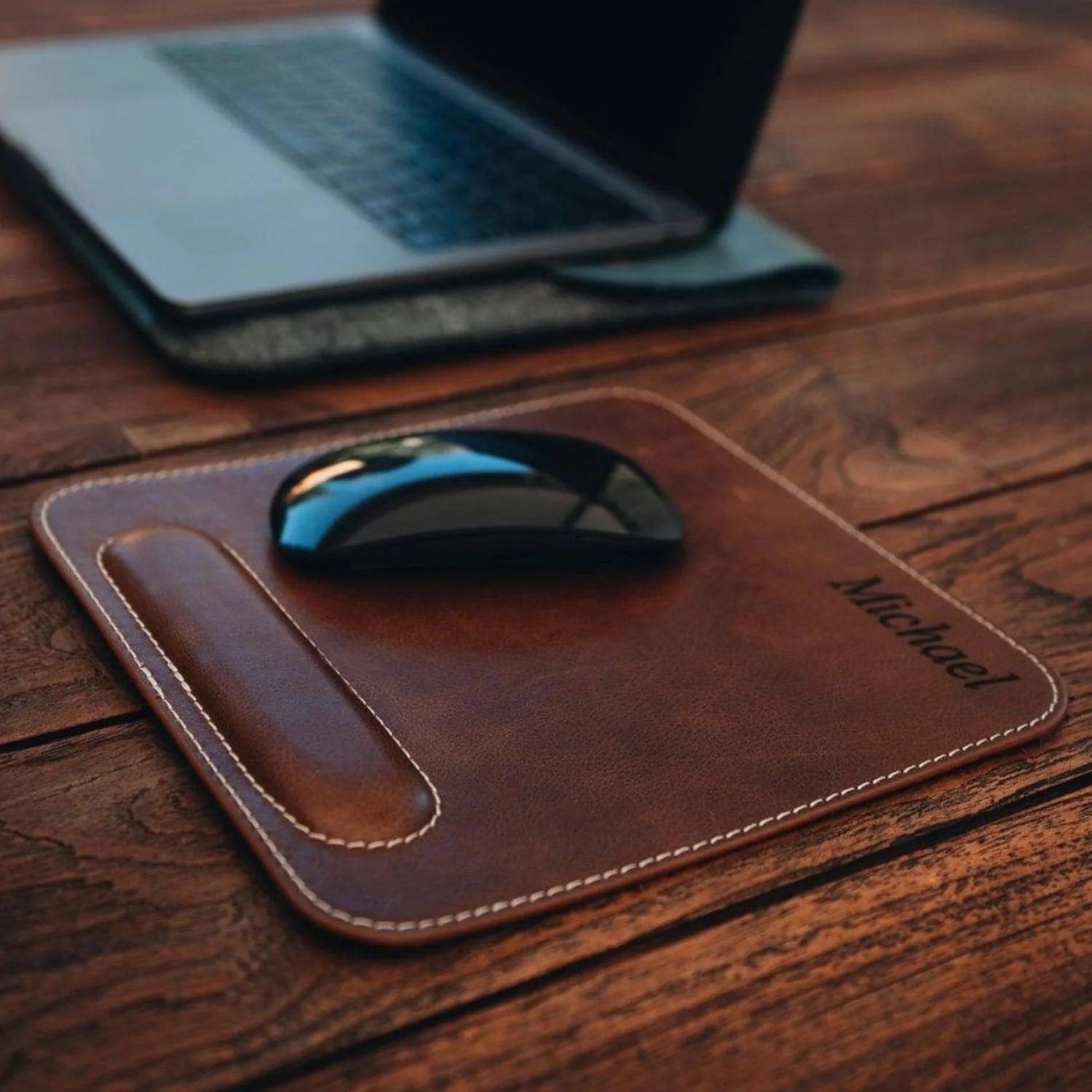
A good mouse pad might seem like a small addition, but it can significantly improve your daily remote work experience. It offers a smooth surface for more accurate cursor control, which is especially helpful for tasks that involve design, spreadsheets, or editing. Many affordable mouse pads come with wrist support to reduce strain and prevent discomfort after long hours of use.
That simple cushion can help reduce the risk of repetitive strain injuries like carpal tunnel syndrome. Mouse pads also help extend the life of your mouse by protecting it from scratches and dust that can gather on your desk. Some modern options even include wireless charging zones or large surfaces for dual use with keyboards.
28. Smart Dimmer
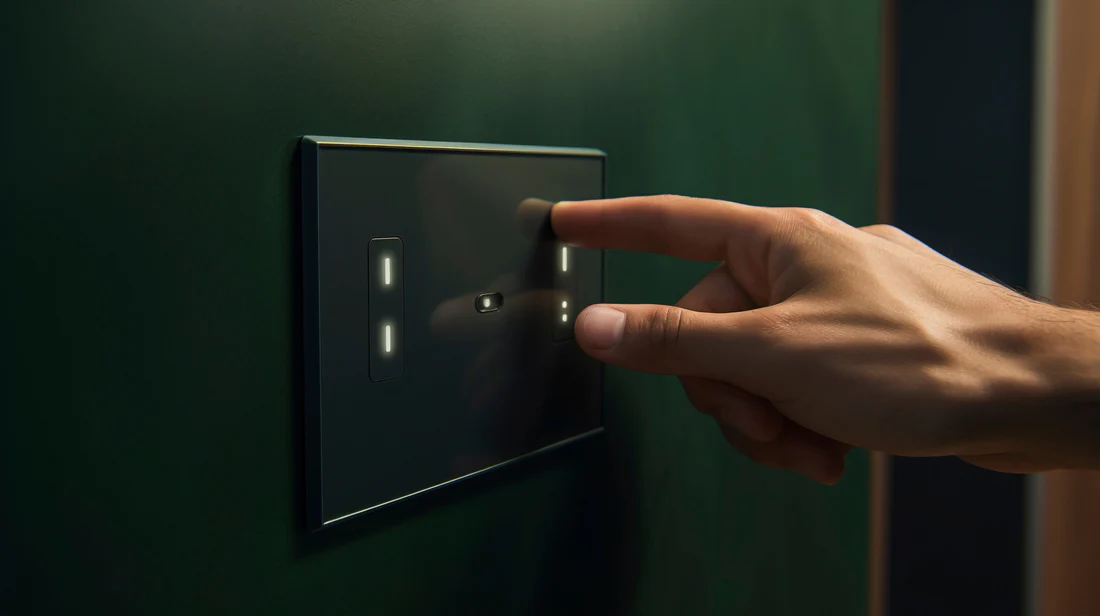
A smart dimmer is a subtle yet powerful addition to any remote workspace. It allows you to control the brightness of your room lighting with ease either through touch, app, or voice command using smart assistants like Alexa or Google Assistant. This flexibility lets you create the right mood and lighting level for different tasks, whether you're on video calls, reading, or working on a screen for hours. Unlike basic light switches, smart dimmers help reduce eye strain and create a calm, focused environment.
What’s great is that many affordable smart dimmers are easy to install and compatible with existing bulbs. You can schedule lighting changes throughout the day to match natural rhythms, helping to boost focus in the morning and ease into relaxation as the day ends.
29. Space Heater
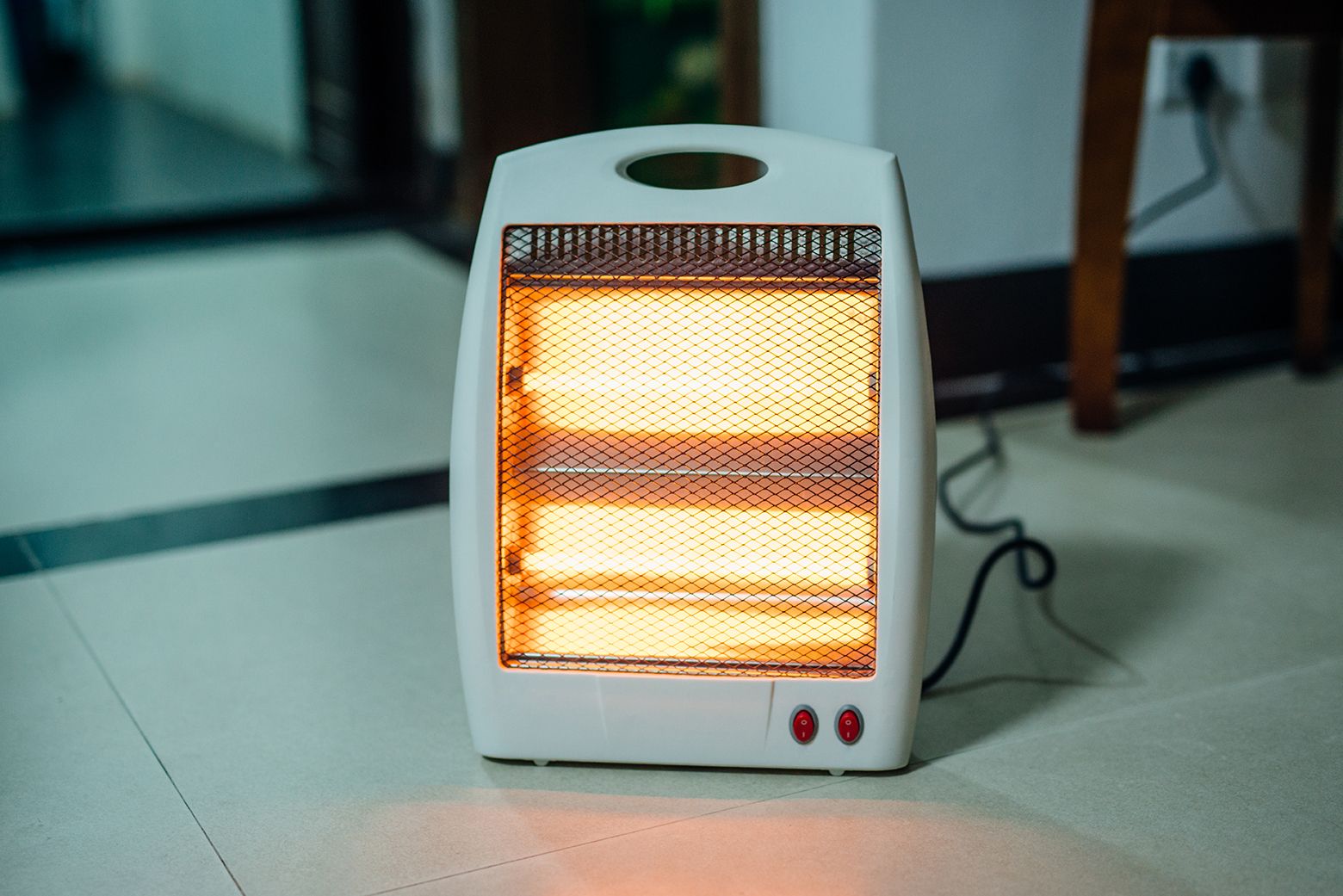
Maintaining a comfortable room temperature is key to staying productive, especially during colder months. A compact space heater can quickly warm up your workspace without having to heat the entire house. Many models come with energy-saving features, such as programmable timers and auto shut-off, making them budget-friendly and safe for home use. They’re perfect for remote workers who want to stay warm without racking up high utility bills.
Modern space heaters are also designed with portability and quiet operation in mind. Ceramic heaters, for instance, heat up quickly and distribute warmth evenly, while oil-filled radiators maintain consistent heat for longer periods.
30. Power Bank
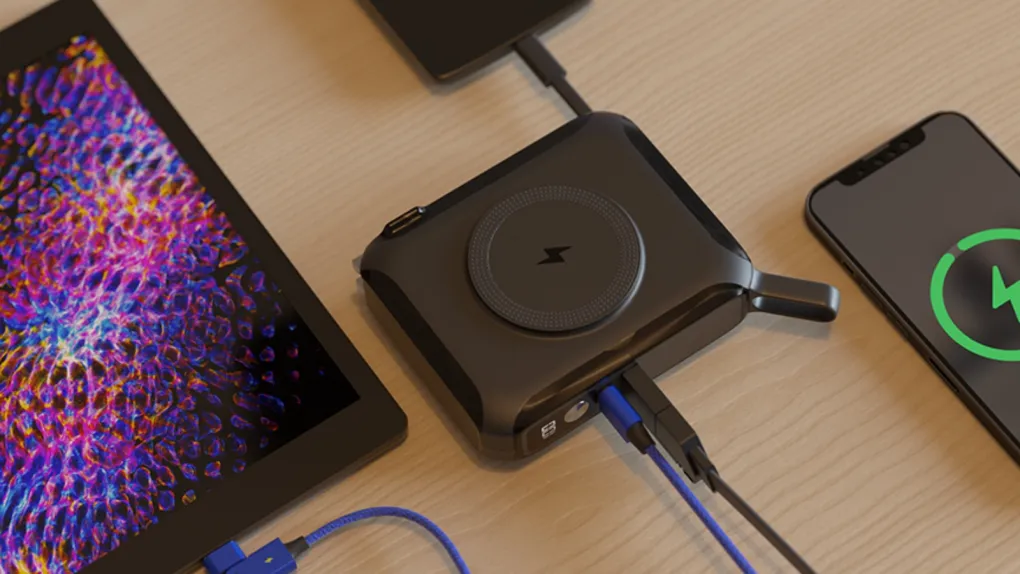
A power bank is a portable charger that can keep your devices powered up no matter where you are working. For remote workers who rely on smartphones, tablets, or even laptops, having a reliable power bank means you’re not tied down to a wall outlet. Whether you’re shifting between rooms, working from a café, or dealing with a power outage, this gadget ensures your workflow stays uninterrupted.
Many affordable power banks now come with multiple USB ports and fast-charging capabilities, allowing you to charge several devices at once quickly. Investing in a power bank offers peace of mind so you never have to worry about losing battery life during important calls or deadlines.
People Also Ask
What Are The Best Gadgets For Working From Home?
The essential work from home gadgets for a productive and efficient setup include a comfortable ergonomic keyboard, a reliable wireless mouse, a high-definition webcam for video conferencing, noise-cancelling headphones or headset for clear communication, and software for productivity and collaboration.
Can These Gadgets Work For Hybrid Setups?
Absolutely. Portable options like the Epicka travel adapter, Nulaxy laptop stand, and Jadens printer are designed for both home and on-the-go use, perfect for hybrid workers.
How Do I Choose An Ergonomic Chair On A Budget?
Look for adjustable lumbar support and breathable materials. The Gaiam Balance Ball Chair ($70) is a great pick, combining affordability with core-strengthening ergonomics.
Final Thoughts
Remote work isn't just a trend; it’s a new way of life. The right tools can help you stay productive without spending too much.
These gadgets aren’t just affordable; they’re built to make your daily work easier. With them, you get a better workspace starts with every needed upgrade.
You Might Also Like - Affordable Gadgets For Tech Lovers - The Ultimate Guide